Super Star Car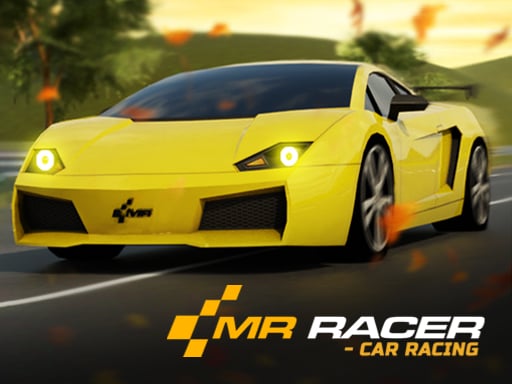
MR RACER: choose a mode and plan your first traffic run
| Action | Control |
|---|---|
| Accelerate | W / Up arrow |
| Steer left or right | A / Left arrow; D / Right arrow |
| Brake | S / Down arrow |
| Horn | H |
Choose a goal before choosing speed
The publisher lists Challenge for level-based objectives, Chase for pursuing opponents and Career Race for racing rivals. Read the selected mode’s objective before driving: passing traffic, catching a target and finishing a race are different tasks. This guide does not promise that every option is unlocked immediately or that browser progress carries over from another release.
Build a repeatable overtaking routine
For practice, keep enough space to see what is ahead of the vehicle you want to pass. Pick an open lane before accelerating into it. After passing, settle the car instead of weaving immediately into another gap. If the route closes, brake and reassess. Treat this as a driving exercise rather than a score multiplier or a guaranteed way to beat every challenge.
Separate steering mistakes from speed mistakes
If you collide soon after changing lanes, try the same section with an earlier lane choice. If you reach slower traffic before there is a gap, reduce speed sooner. Change one habit for the next attempt so you can judge the result. The horn is a listed control; this page does not assume that sounding it makes every traffic vehicle move aside.
If the title screen does not progress
The game downloads and runs from GameMonetize after you press Play game. A visible logo is not confirmation that the driving scene has loaded. If it remains stuck, use Reload game once or the new-tab link below the player. If neither progresses, try another racer rather than repeatedly refreshing. Availability can depend on the hosted build, browser graphics support and network access.
Choose your next challenge
- Super Star Car — Choose circuit racing with keyboard controls on a computer.
- Car Stunt Racing Stylized: race setup — Try a racer that accelerates automatically.
- Night City Racing — Compare another car-racing game and its separate controls.