Super Star Car
Race setup: menus, modes and your starter car
| Action | Control |
|---|---|
| Steer | Left / Right arrow |
| Slow down | Down arrow |
| Handbrake drift | Space (publisher-listed control) |
Which Play button starts the race?
There are several steps. Play on the title screen opens the mode menu. After a mode is selected, Play opens the level screen. Choose an available level and press Play again to start the countdown. If you are still seeing menu cards, the game has not started yet; repeatedly reloading the website only repeats the download and menus.
What the mode labels tell you
The current menu displays Multiplayer, Challenge and Free Run. Choose an enabled tile and check the screen that follows for the actual race objective. A Multiplayer label alone is not proof that you are racing live people, and this page does not promise online rooms or friend invites. Start with an available level before assuming that every mode is unlocked.
Keep the first car while learning
The title menu also offers Garage and Shop, but opening them is not required to reach the first race. Use the starter car to learn the pace before making an in-game unlock or purchase decision. For an unsuccessful run, Retry and Home are distinct choices: repeat the attempt or return to setup. They do not mean that the website itself failed.
Pick a racer for the kind of control you want
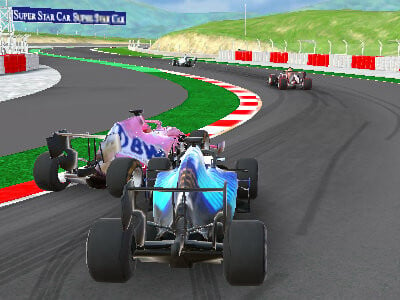
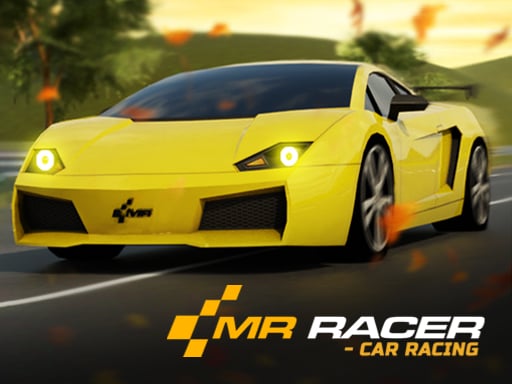
This game handles forward acceleration for you, so steering and speed reduction take priority. MR RACER lists a separate accelerator and puts traffic ahead of you; Super Star Car is the site’s circuit-racing option and requires a computer for its current version. Moving between these games means learning a new control scheme, not carrying over the same keys and assumptions.
Choose your next challenge
- MR RACER: controls and mode selection — Compare traffic driving with a separate accelerator.
- Super Star Car: circuit racing — Play the desktop circuit racer from the homepage.